Microsoft Windows Nishi & LeCat Edition 2026 Version 2003 R2 Home Premium
Microsoft Windows Nishi & LeCat Edition 2026 Version 2003 R2 Home Premium1, commonly shortened to Windows Nishi & LeCat Edition, is a Windows bootleg created by KitSixtyFour in Making a Custom Windows Bootleg for the AstroNT channel on March 4th 2026 and released on May 8th 2026. It is based on Windows Vista Service Pack 2 x64 and can be downloaded at its Internet Archive page.
Similarly to other famous bootlegs (such as Gold Windows XP 2016, Windows The Avengers or Windows Glass Xp Super), Windows Nishi & LeCat Edition contains several modifications compared to a retail Windows Vista install, such as custom branding, wallpapers, and pre-installed software (commonly called bloatware). However, unlike most Windows bootlegs, it does not contain modifications to Windows components such as Windows Explorer, LogonUI or the Windows Task Manager due to time constraints.
Changes over a retail Windows Vista SP2 ISO
- Most references of “Microsoft” have been changed to “Microslop”, referencing the 2026 meme of the same name.
- In About Windows, the first line of text have been changed to “Microslop® Windows NT®”, while the copyright notice has been changed to “Copyright © 2007-2026 Microslop Corporshitation. All rights reserved.”.
- The branding banner present in About Windows has been changed to a bitmap consisting of a badly-drawn Nishi and LeCat drawing, alongside “uindows V2K3 R2 home premium”, albeit written with a mouse.
- The End User License Agreement (EULA) (
license.rtf) has been changed significantly; the header was changed to “MICROSLOP SOFTWARE LICENSE TERMS. MICROSOFT WINDOWS CODE NAME “LONGHORN” NISHI & LECAT EDITION 2026 VERSION 2003 R2 HOME PREMIUM SERVICE PACK 2”, and the entire license body was changed to a humorous line depicting cat sounds. - The Sample Pictures were replaced by the background set.
- The Sample Music was replaced by the track “Big Bang!” composed by Yoko Shimomura from the Mario & Luigi: Paper Jam OST.
Pre-installed software
Windows Nishi & LeCat Edition contains 27 pre-installed programs:
- μTorrent version 2.0.0
- 7-Zip version 26.00
- Apple Software Update version 2.1.1.116 (implied by iTunes and QuickTime)
- avast! Antivirus version 4.8
- Bonjour version 1.0.105 (implied by iTunes)
- FastStone Image Viewer version 2.0
- GIMP version 2.8.0
- Google SketchUp 7 version 2.1.6860
- Google Talk version 1.0.0.68
- ImgBurn version 2.5.8.0
- iTunes version 4.8.0.31
- Macromedia Flash MX 2004 version 7.0
- Microsoft Visual C++ 2008 Redistributable version 9.0.30729.4148 (x86 and x64)
- Microsoft Visual C++ 2008 Redistributable version 9.0.30729.6161
- Mozilla Firefox version 3.5
- Mozilla Thunderbird version 2.0.0.23
- Notepad++ version 4.9.2
- Opera version 10.00.1750
- Picasa 2 version 2.0
- PowerISO version 4.3
- QuickTime version 6.5.2
- Safari version 3.525.28.1
- Skype version 3.8.188
- Supermium version 138.0.7204.300 R9*
- VLC Media Player version 3.0.23
- VMware Tools 9.0.0.15210*
- Winamp version 5.5
- Yahoo Messenger version 7.0.0.437
* Leftover
Bugs and quirks
- Windows Setup might take a while to go to the EULA page. This is caused by
install.wim, since it is not a retail copy, thus Windows Setup reads it from scratch. - The EULA page on Windows Setup and the Out of Box Experience (OOBE) is the original Windows Vista Service Pack 2 license (as it does not identify the system as “Microsoft Windows Code Name “Longhorn” Nishi & LeCat Edition Version 2003 R2 Home Premium Service Pack 2”), since
C:\Windows\system32\license.rtfis not called by the latter, instead using their own license agreement files that were left untouched. - The copyright notice on the about dialog is cut off.
- Windows Aero does not work by default. Uninstalling VMware Tools and installing a proper graphics driver (or upgrading VMware Tools) can fix the problem.
- VMware Tools is left installed.
- The desktop backgrounds do not show up in the OOBE nor Control Panel since they are not in the JPG file format. To apply a wallpaper, go to
C:\Windows\Web\Wallpaperand apply a wallpaper from there. A side effect of this problem is that the desktop background is black by default. - Windows is not activated and will nag the user to activate it on first logon.
- The system is inconsistent with its branding: it identifies itself as uindows V2k3 R2 home premium in the branding banner, Windows Nishi & LeCat The Third Edition 2026 Version 2003 Home Premium idk in the System applet, Windows Nishi & LeCat The Third Edition 2026 Version 2003 Vista™ Home Premium in the DirectX Diagnostic Tool, Welcome Center, About Windows (albeit text form), Microsoft Windows Code Name “Longhorn” Nishi & LeCat Edition 2026 Version 2003 R2 Home Premium in the License Agreement, Microsoft Windows Nishi & LeCat Edition 2026 Version 2003 R2 Home Premium in the Internet Archive, and Windows Vista Home Premium everywhere else.
- The Set Network Location wizard targeting “Network 2” will open on the first boot.
- A message by Avast Antivirus stating that license number is not valid will open at startup.
Name
The bootleg’s name is a mock to many Windows bootlegs’ names, which commonly include the year they were made in, the theme about the bootleg, and additionally many other unrelated artifacts. The bootleg is loosely themed around Nishi and LeCat, two cats (owned by KitSixtyFour and Avery respectively) originating from the KitsuMC Minecraft server, which warrants their inclusion.
In the other part, “Edition 2026” is a nod to many bootlegs’ name that have included their year of creation on their name, such as Gold Windows XP 2016. “Version 2003” and “R2” are references to Windows XP 64-Bit Edition, Version 2003 and Windows Server 2008 R2 respectively, and were added just for fun.
Trivia
- Google SketchUp was installed as a nod to one of Kit’s sisters, who used SketchUp in their university days.
- Windows Nishi & LeCat was originally going to be based on Windows XP, but Windows Vista was chosen instead since “not many bootlegs are based on [Windows] Vista”
- The bootleg was not uploaded to the Internet Archive until one month after Making a Custom Windows Bootleg came out. If the creation date is taken into note, it was uploaded exactly 2 months and 4 days after it was created.
- The bootleg had many problems in the upload process, as the upload would freeze at random file sizes.2
- The bootleg was created and uploaded from the same machine, NishiLappy.
Gallery
Windows Setup
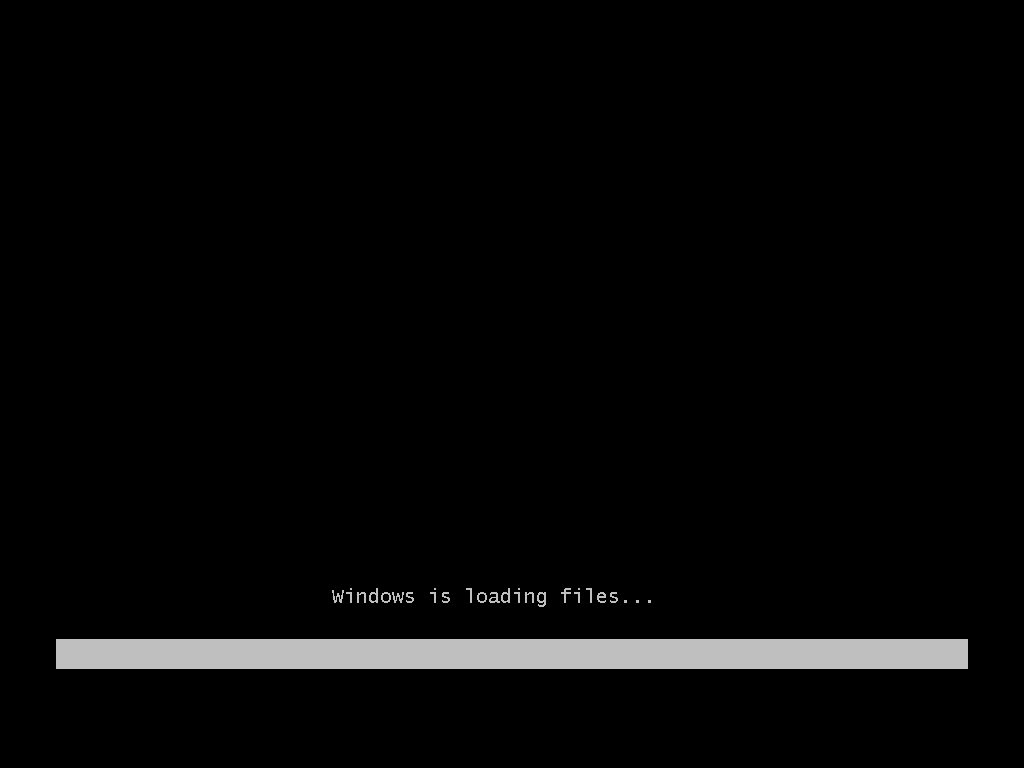
Windows is copying files…
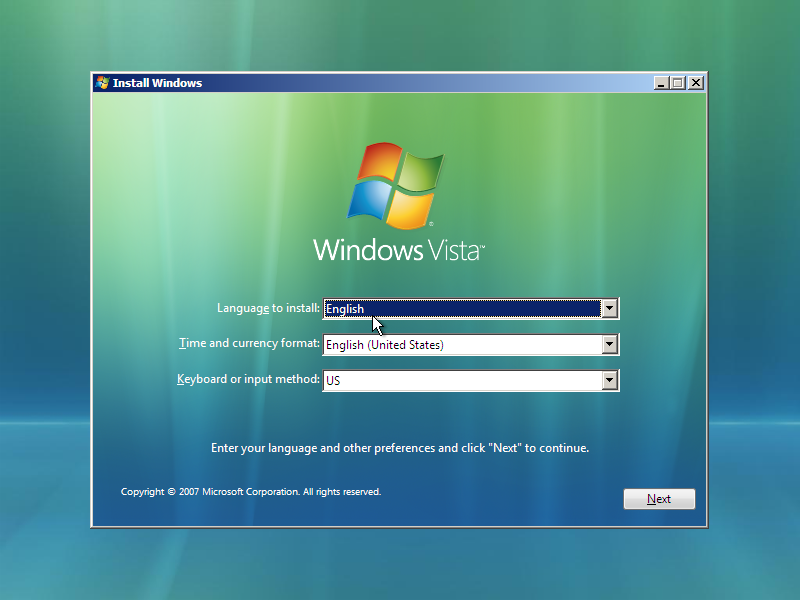
Setup
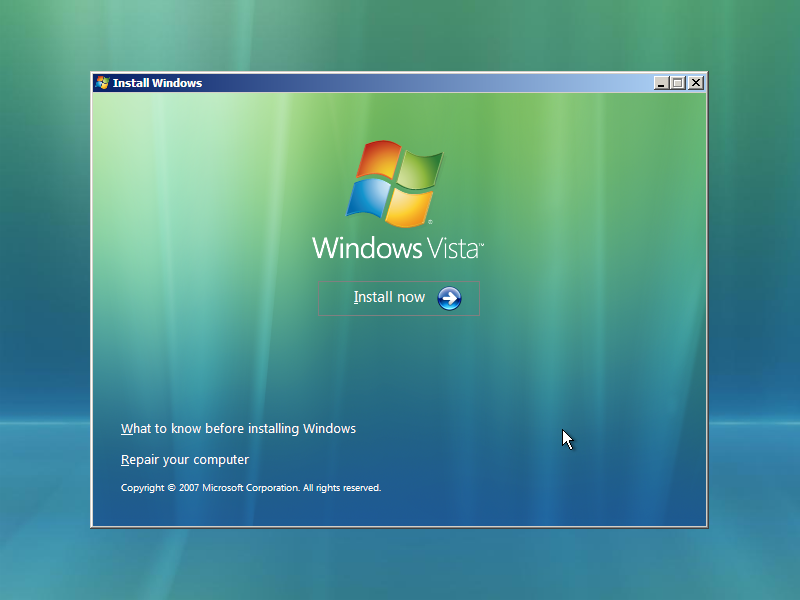
Ditto
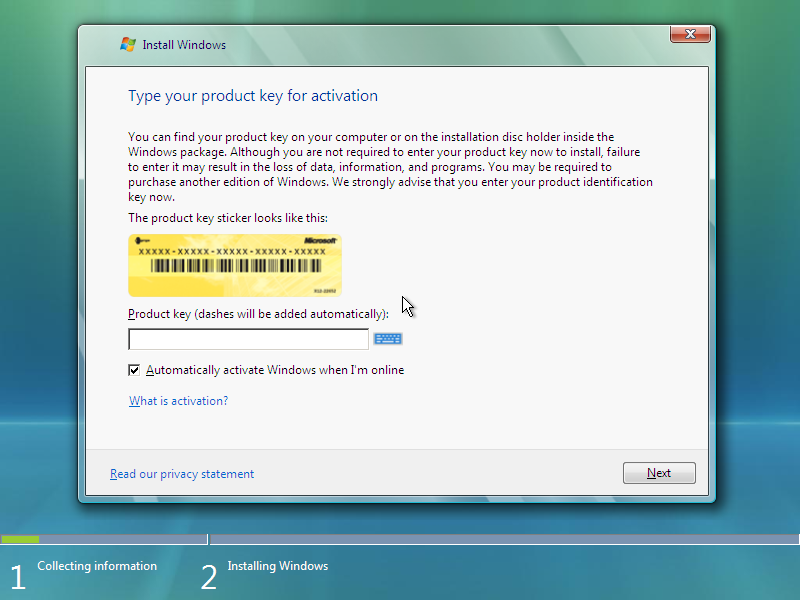
Product key
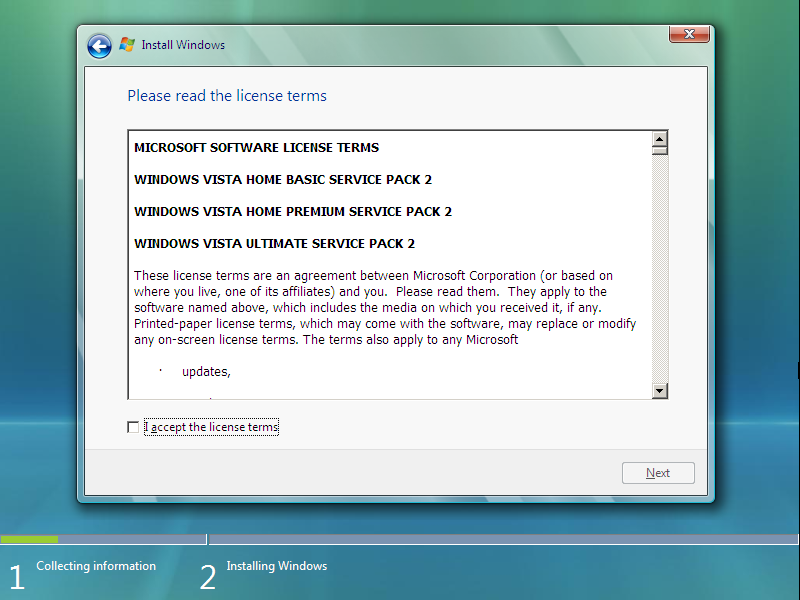
EULA
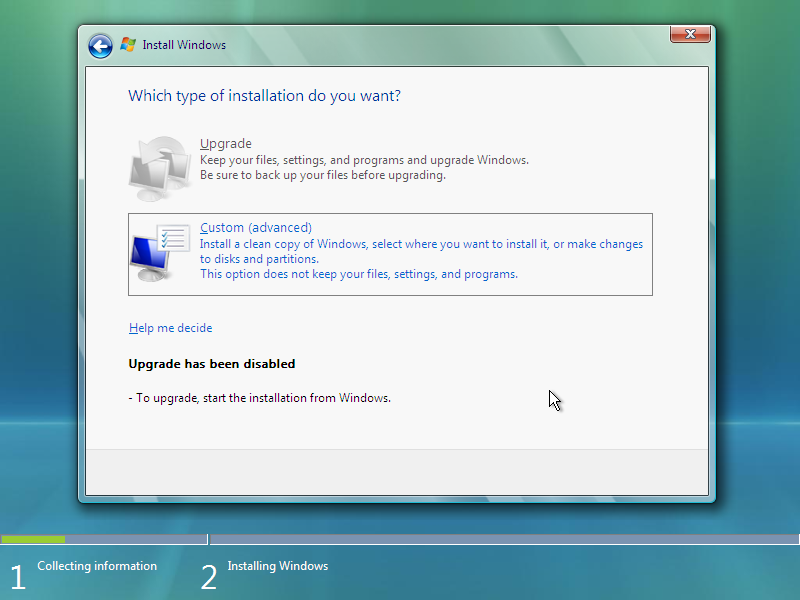
Installation type
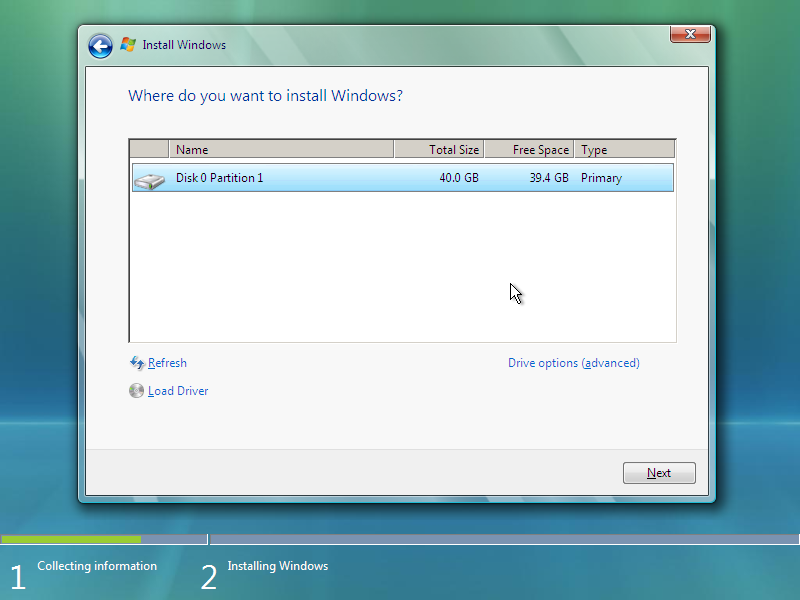
Disk partitioning
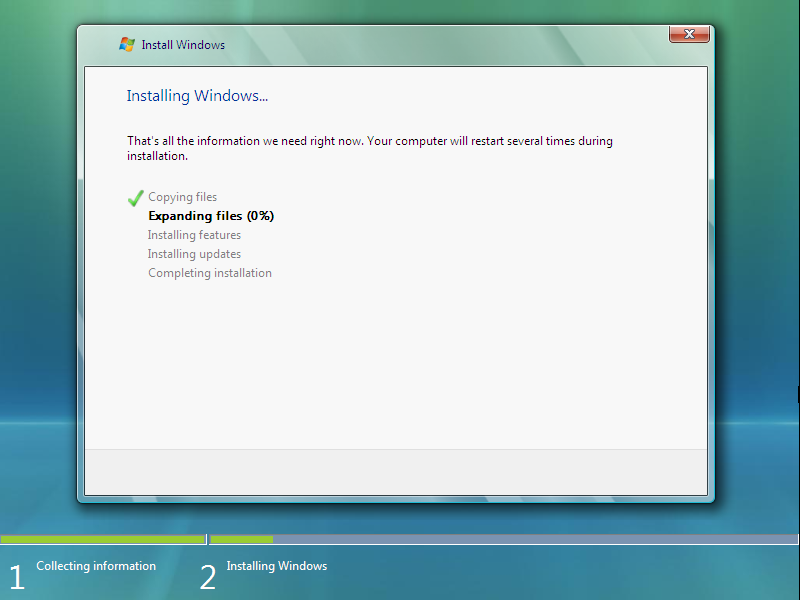
Installing Windows
Out of Box Experience
Please wait while Windows sets up your computer
Please wait while Windows continues to set up your computer
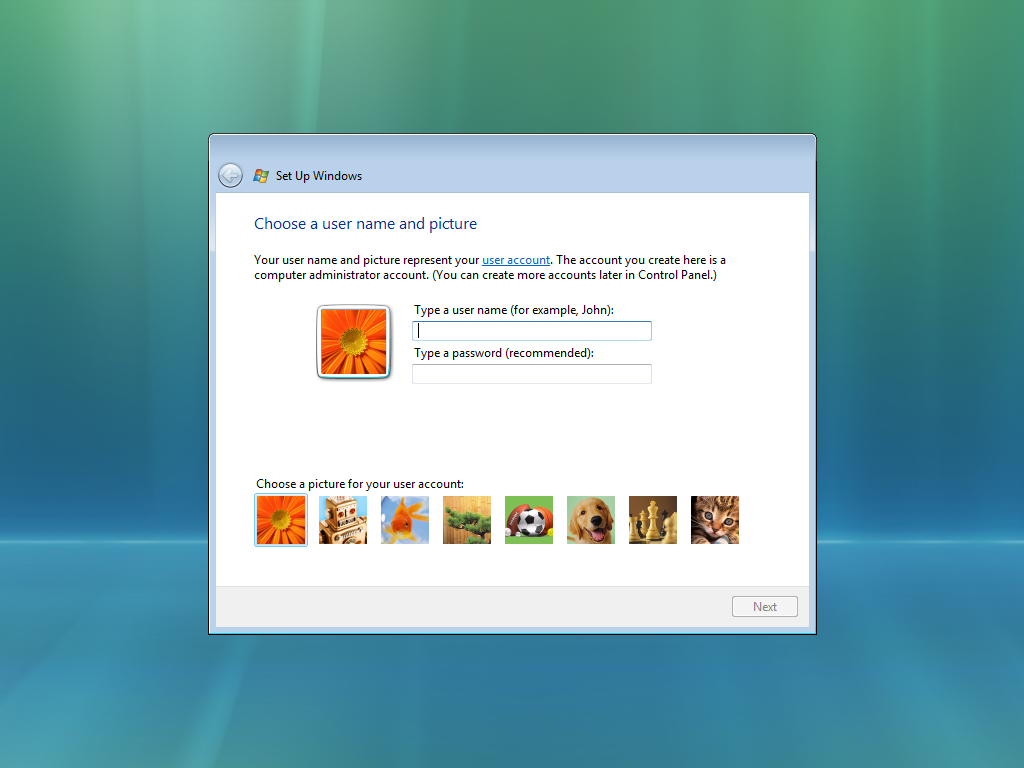
User name and picture
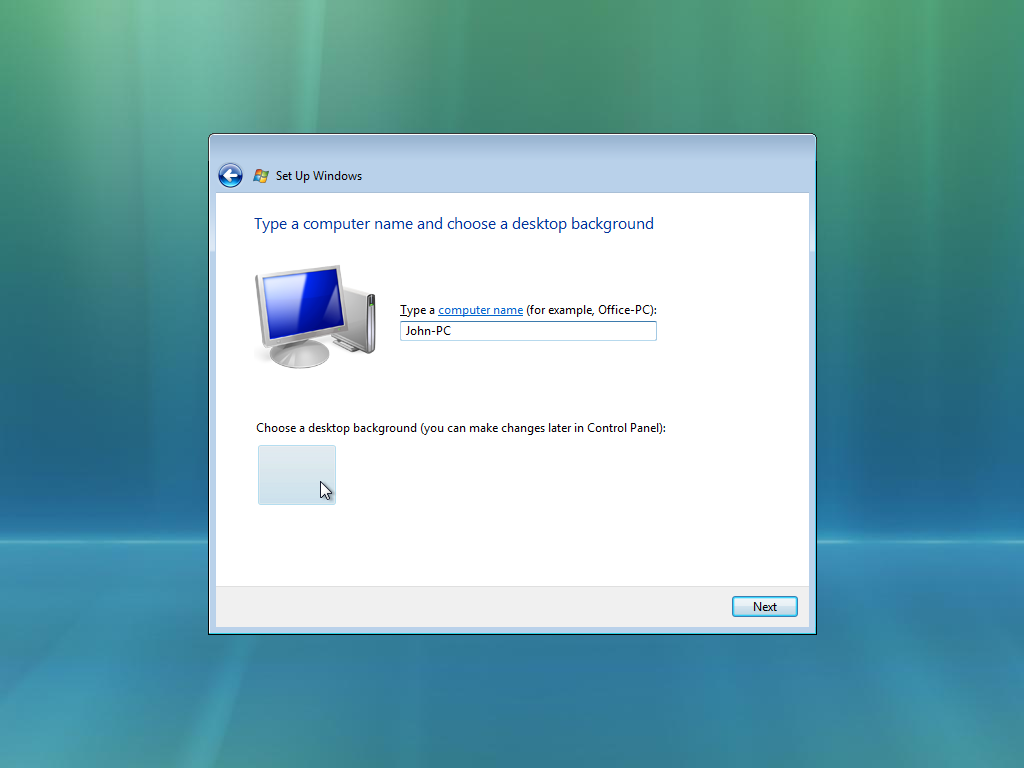
Computer name and background
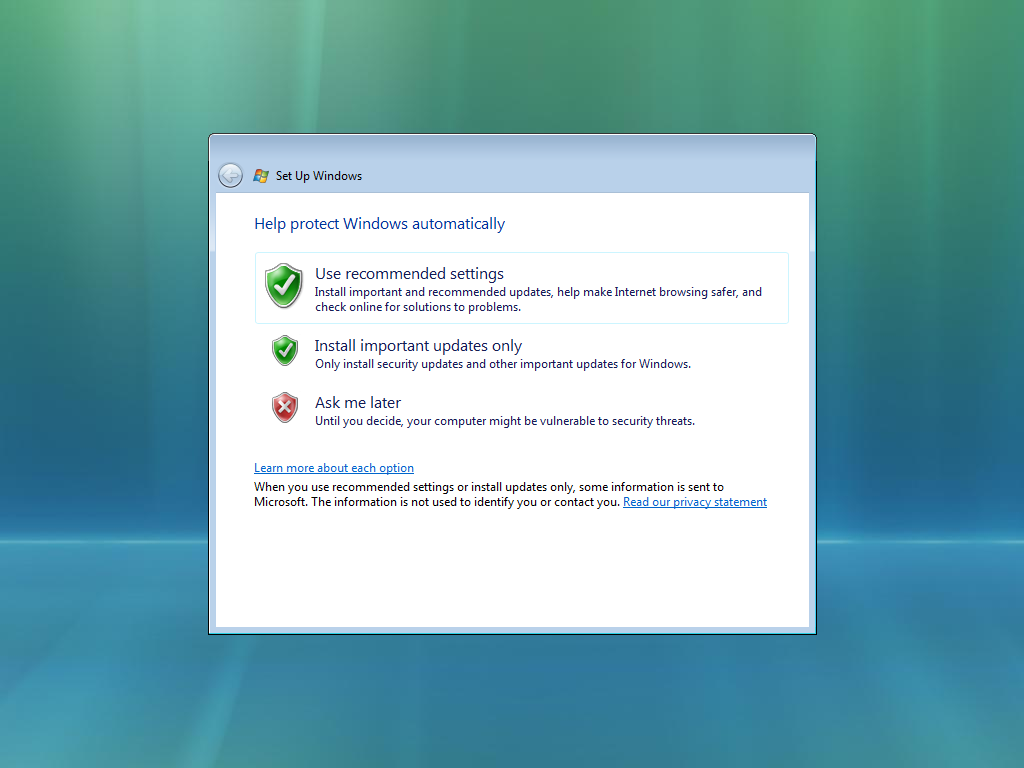
Automatic Updates
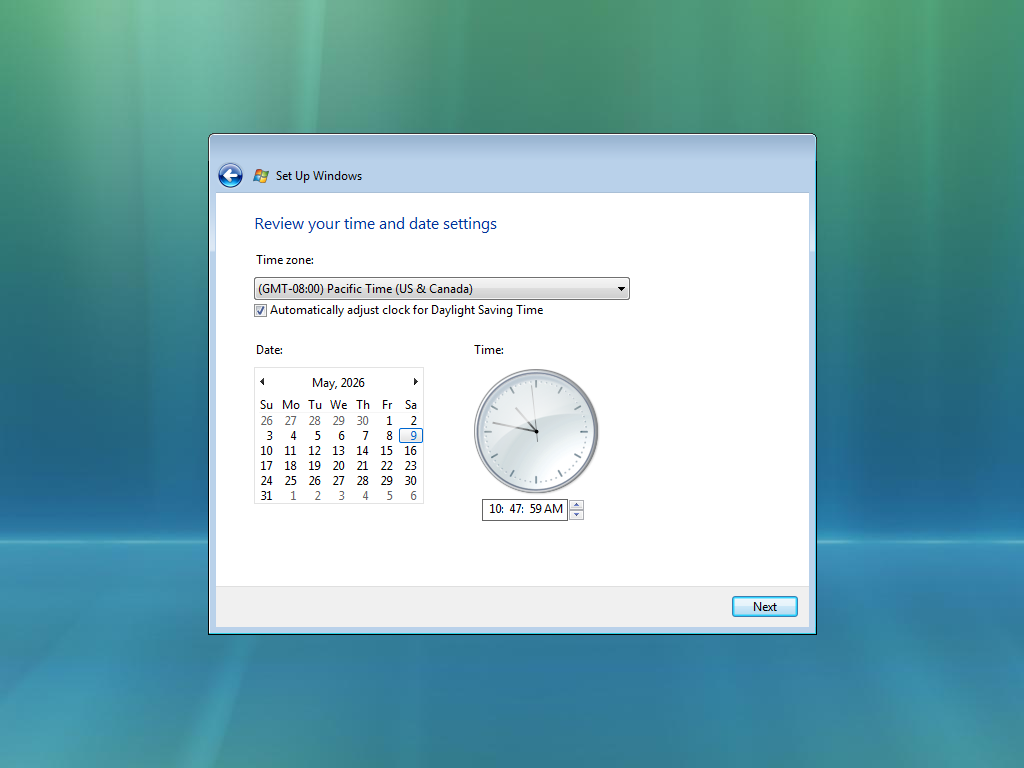
Date and time
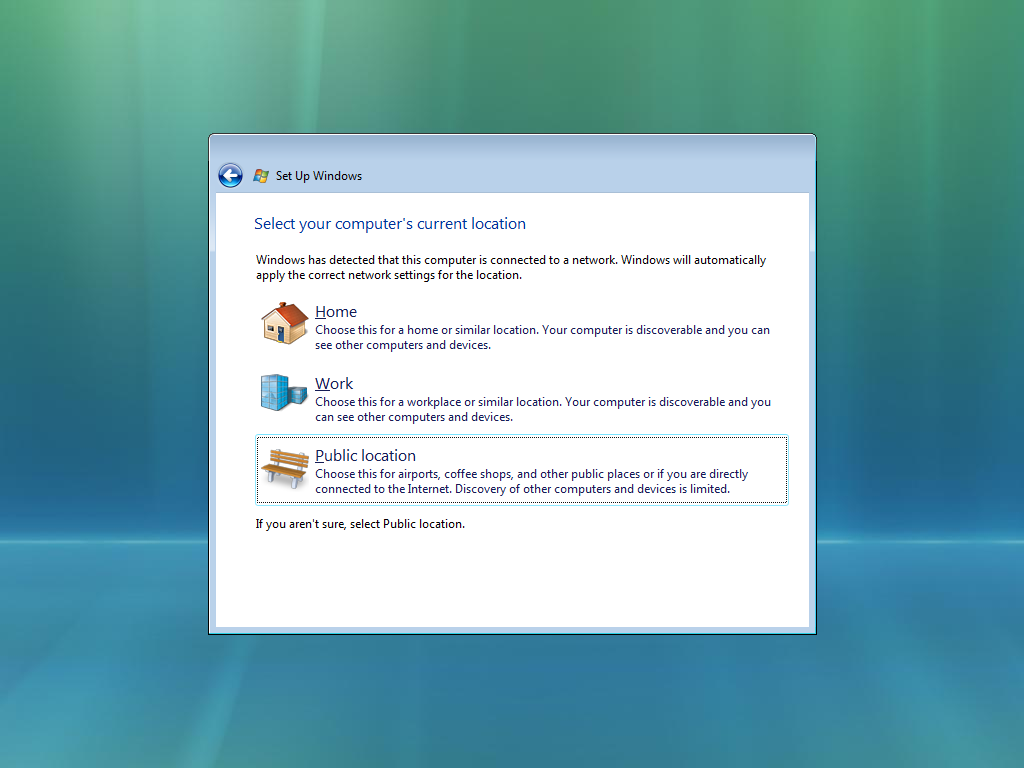
Network
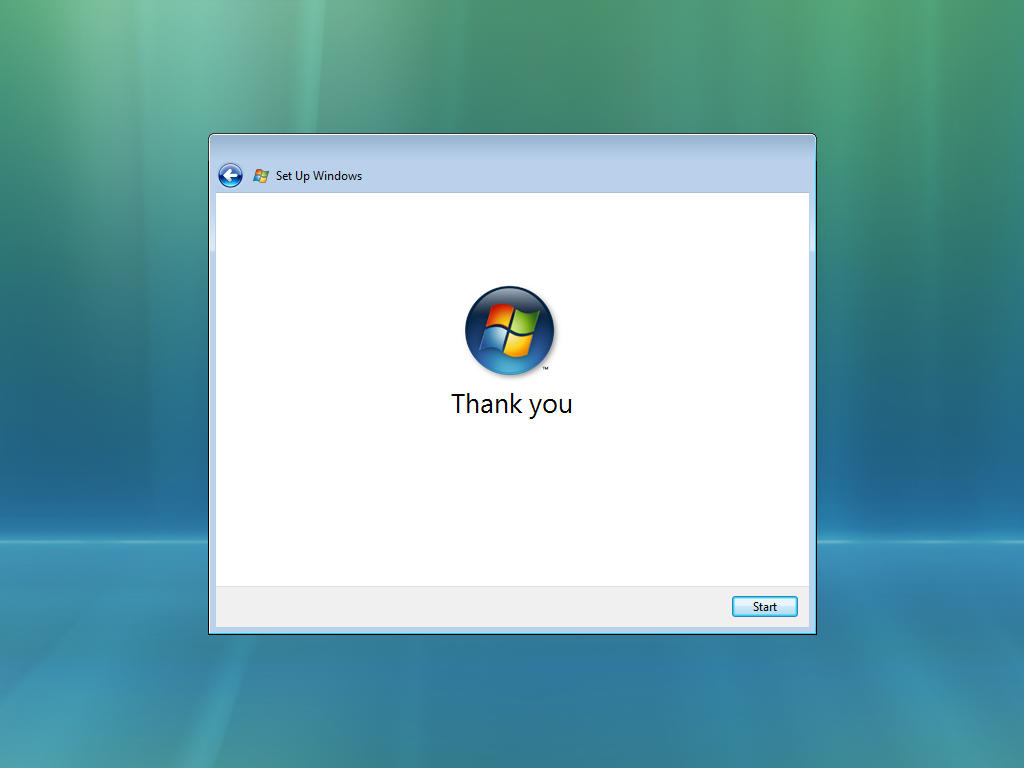
Finish
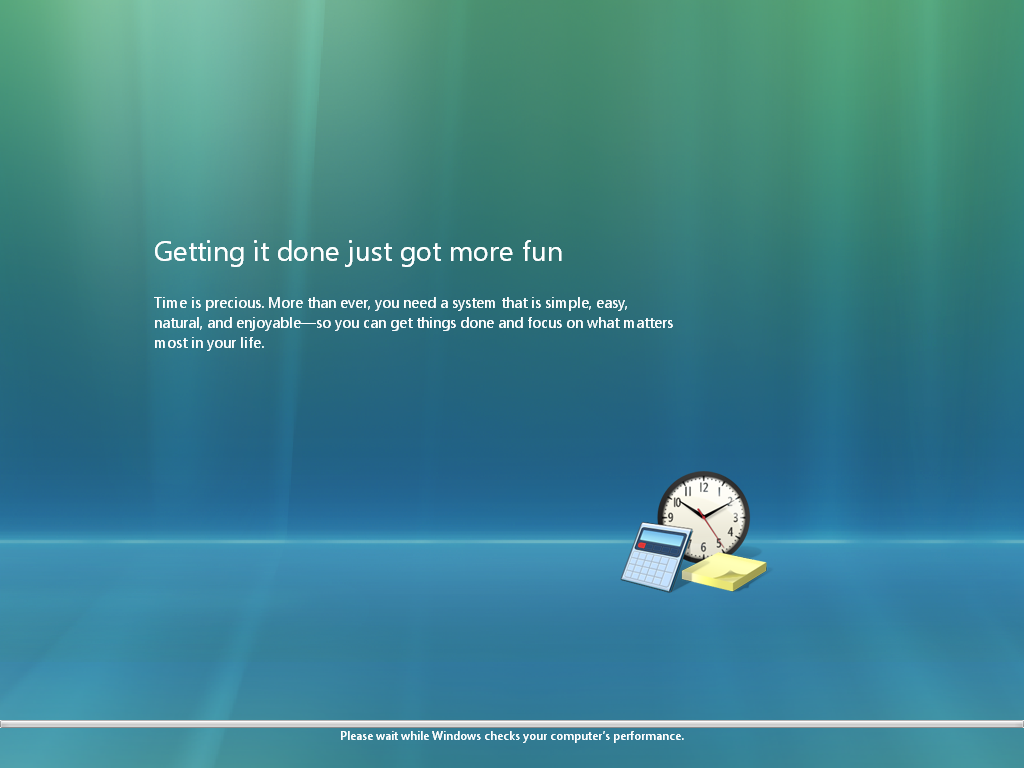
Hardware check
OOBE after using Sysprep
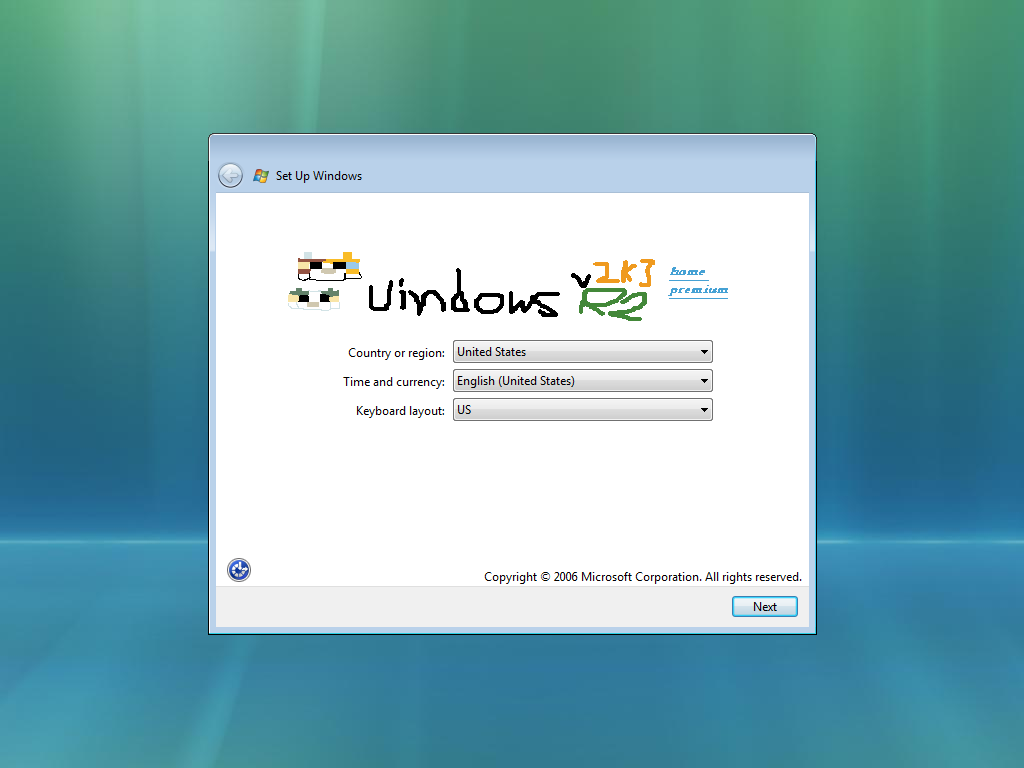
Regional Settings
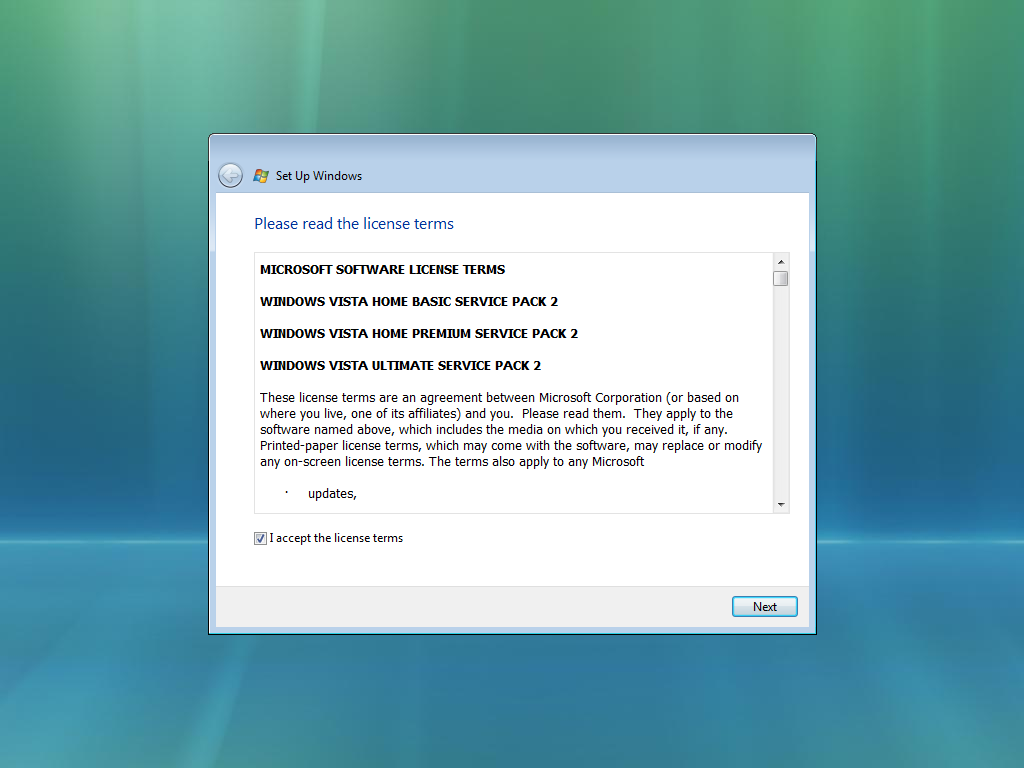
EULA
Desktop
Boot screen
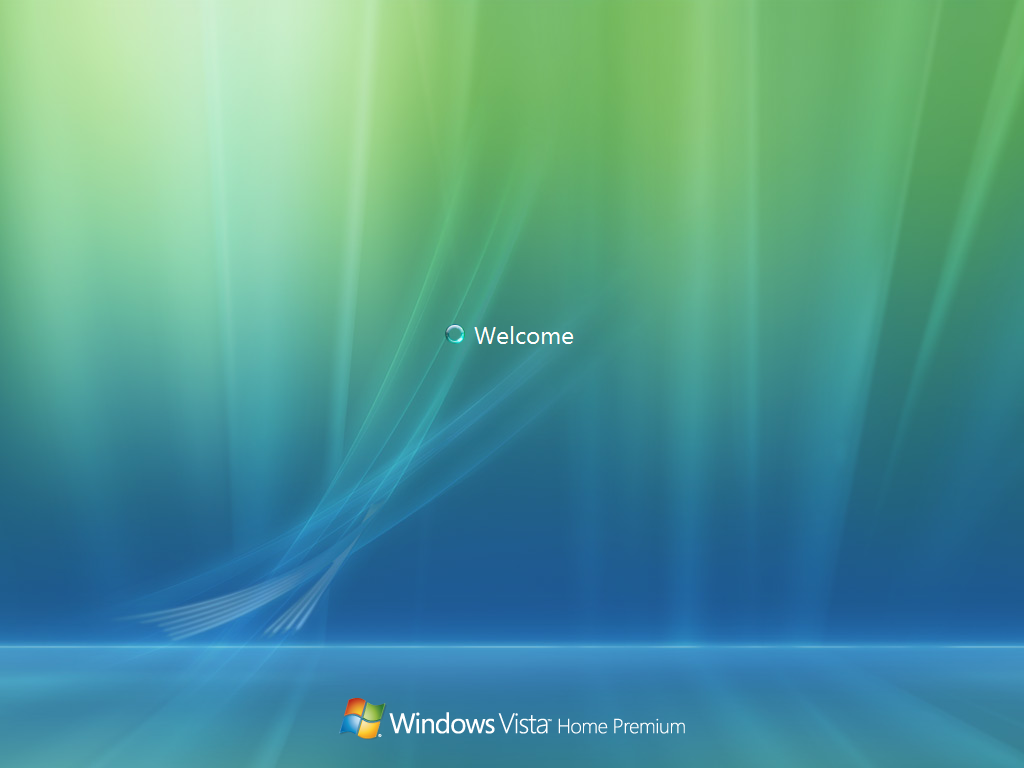
Logon screen
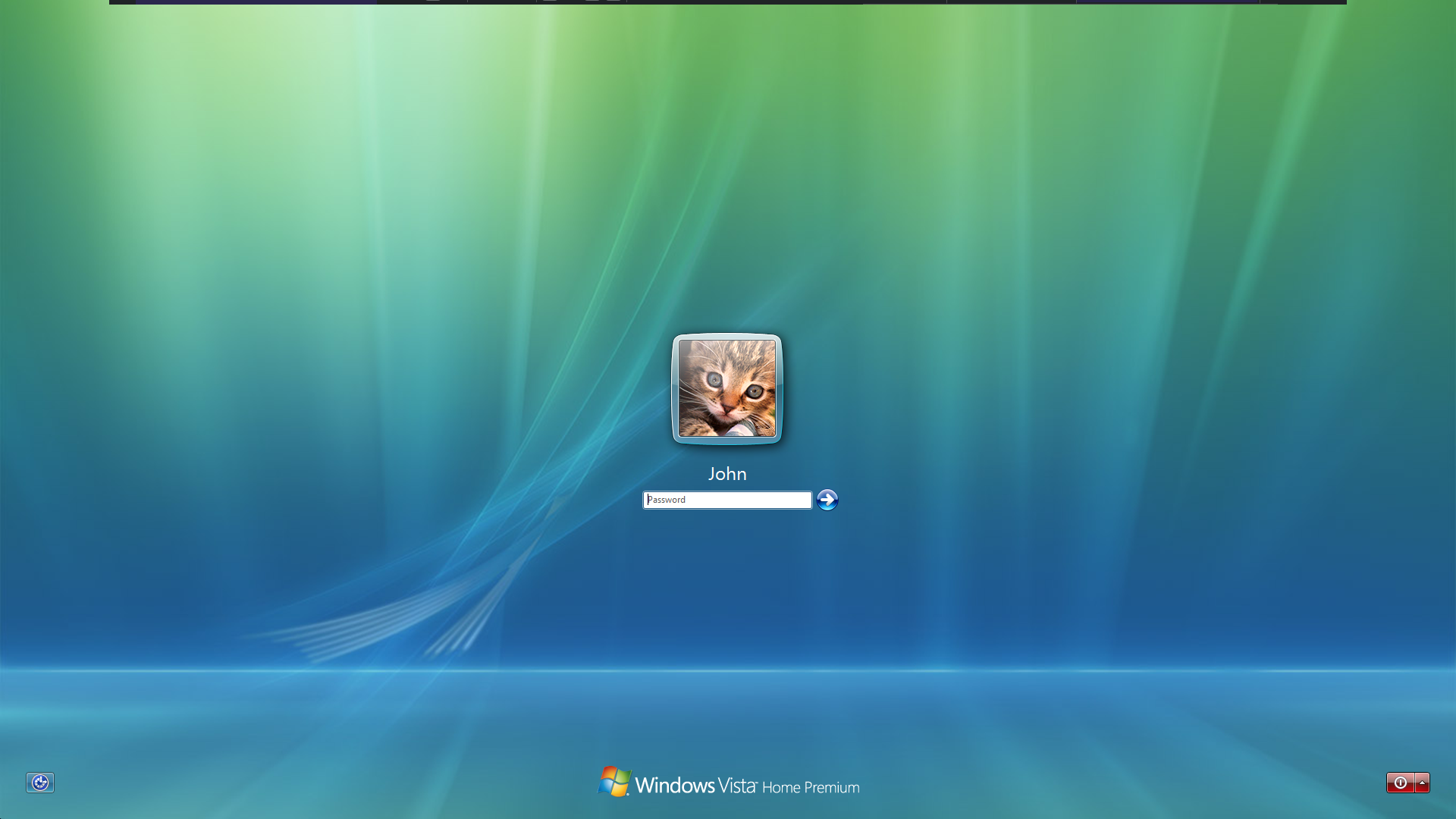
Ditto
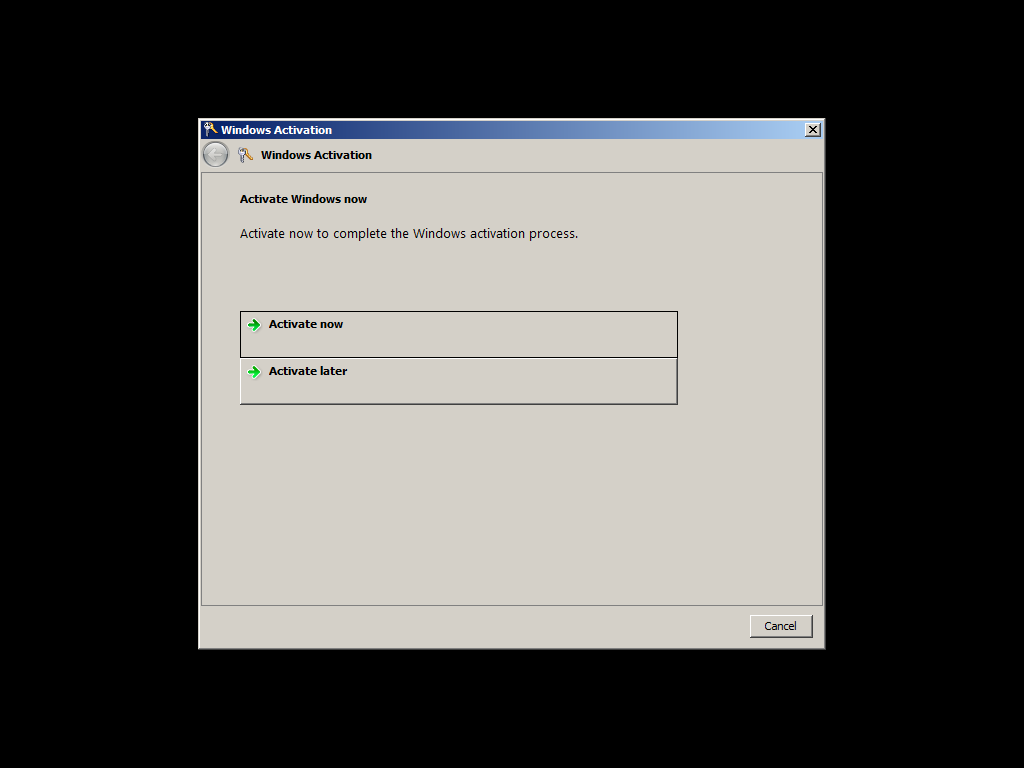
Activate Windows dialog
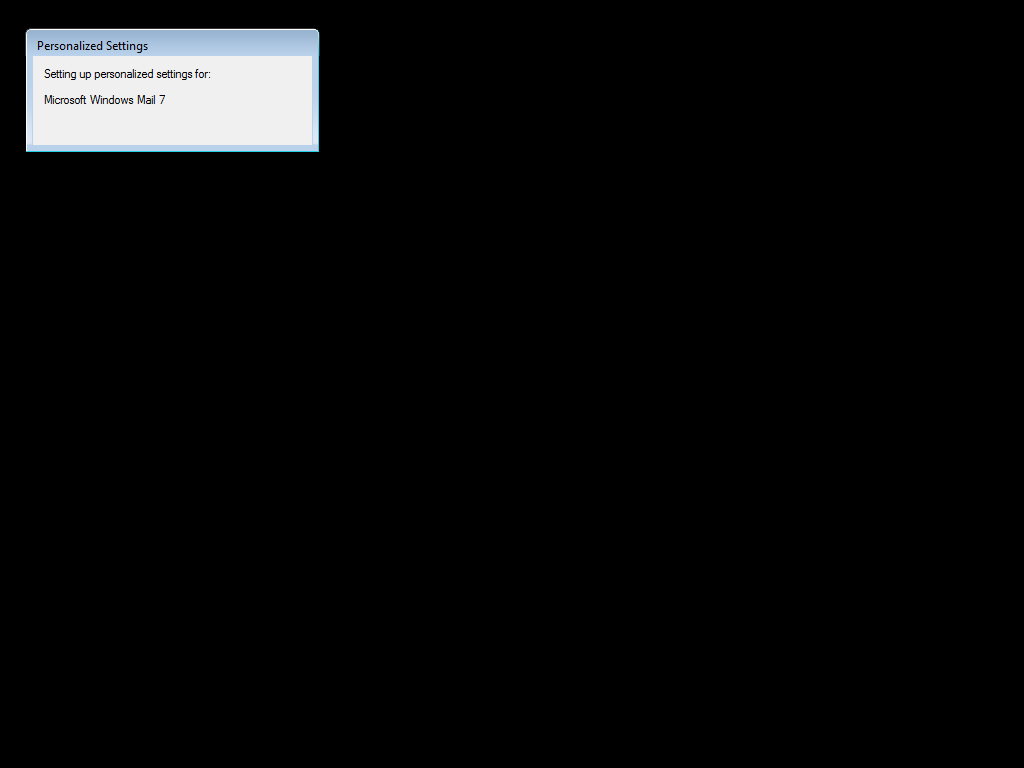
Personalized Settings
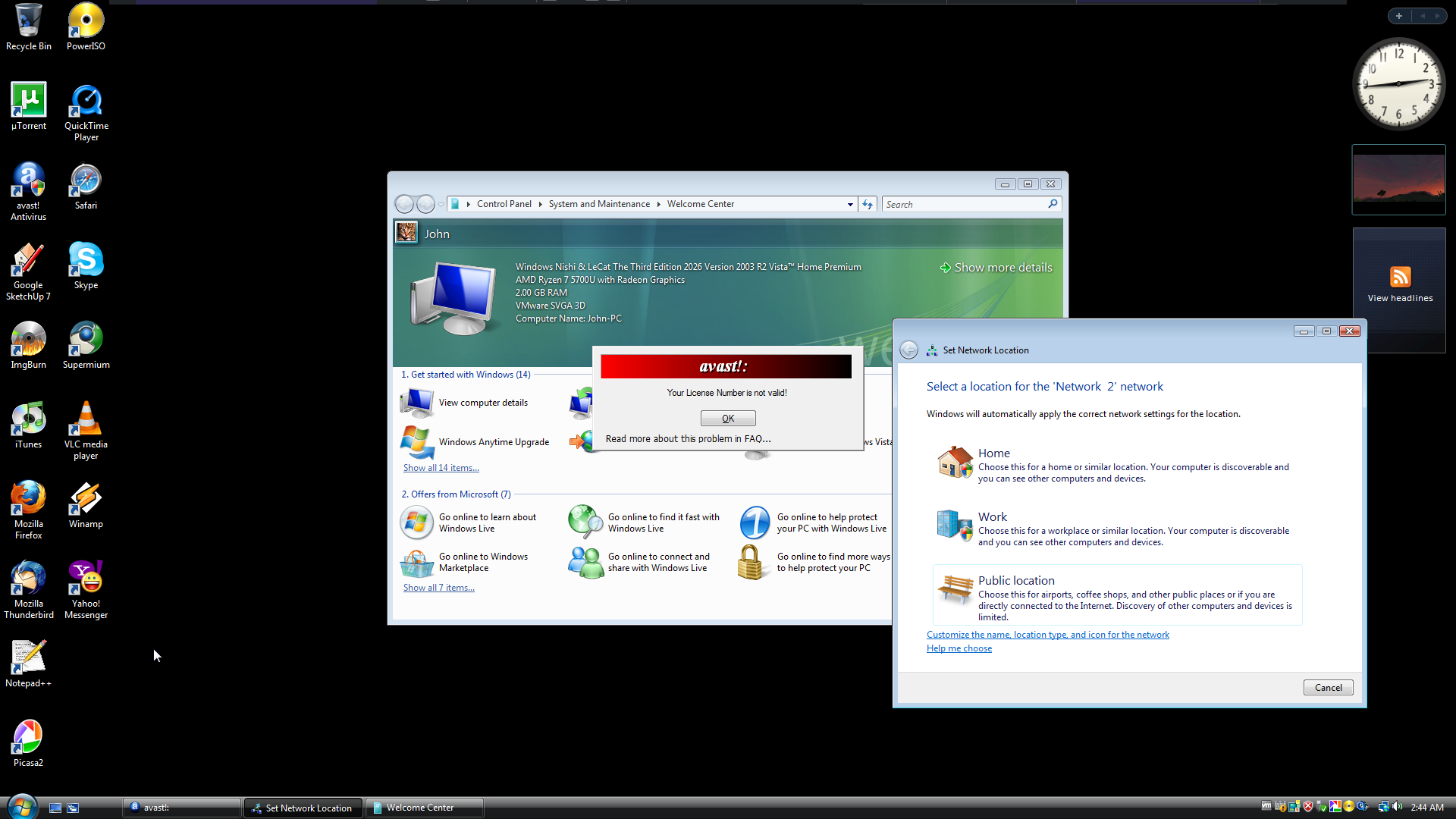
First boot
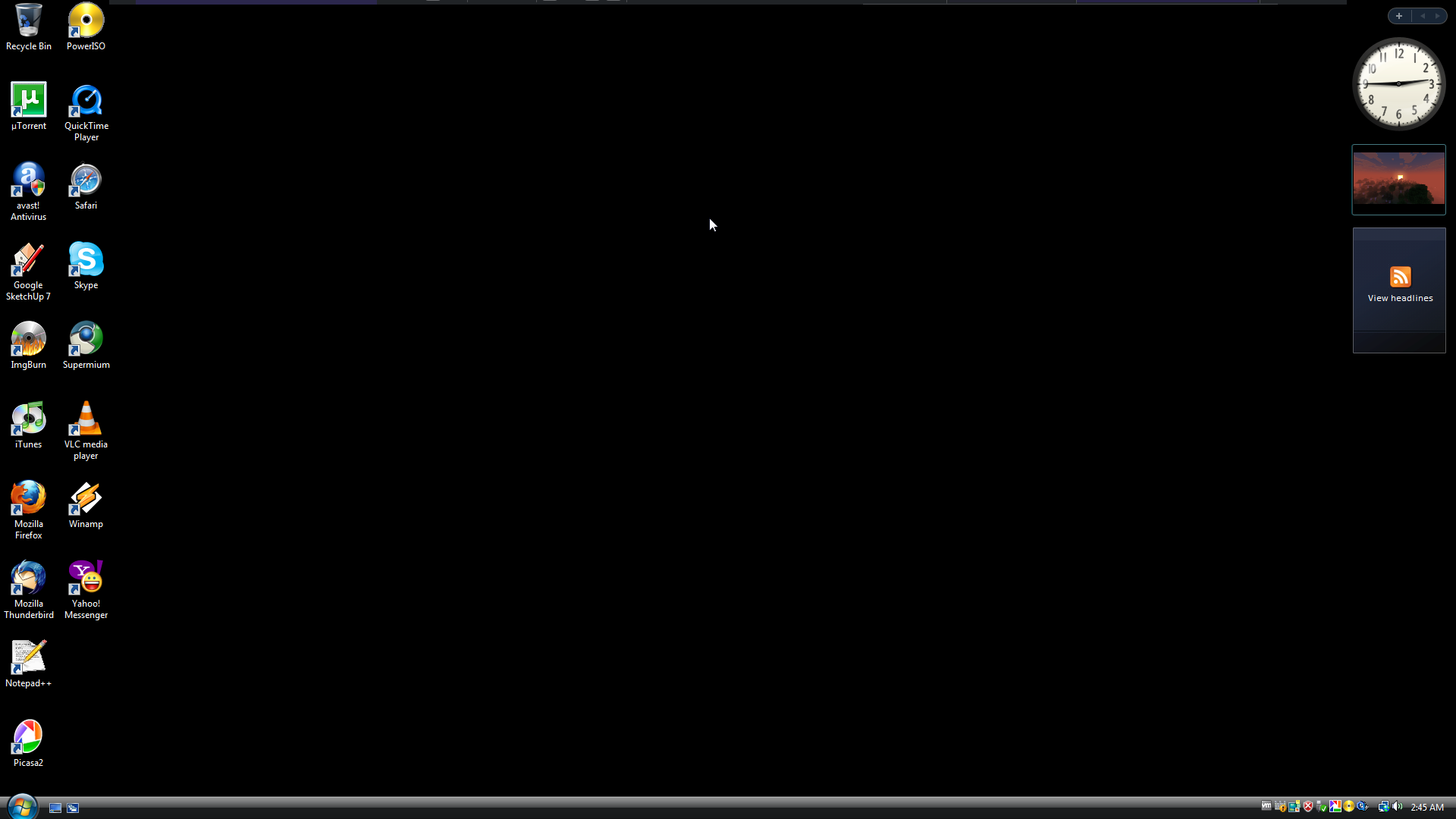
Desktop
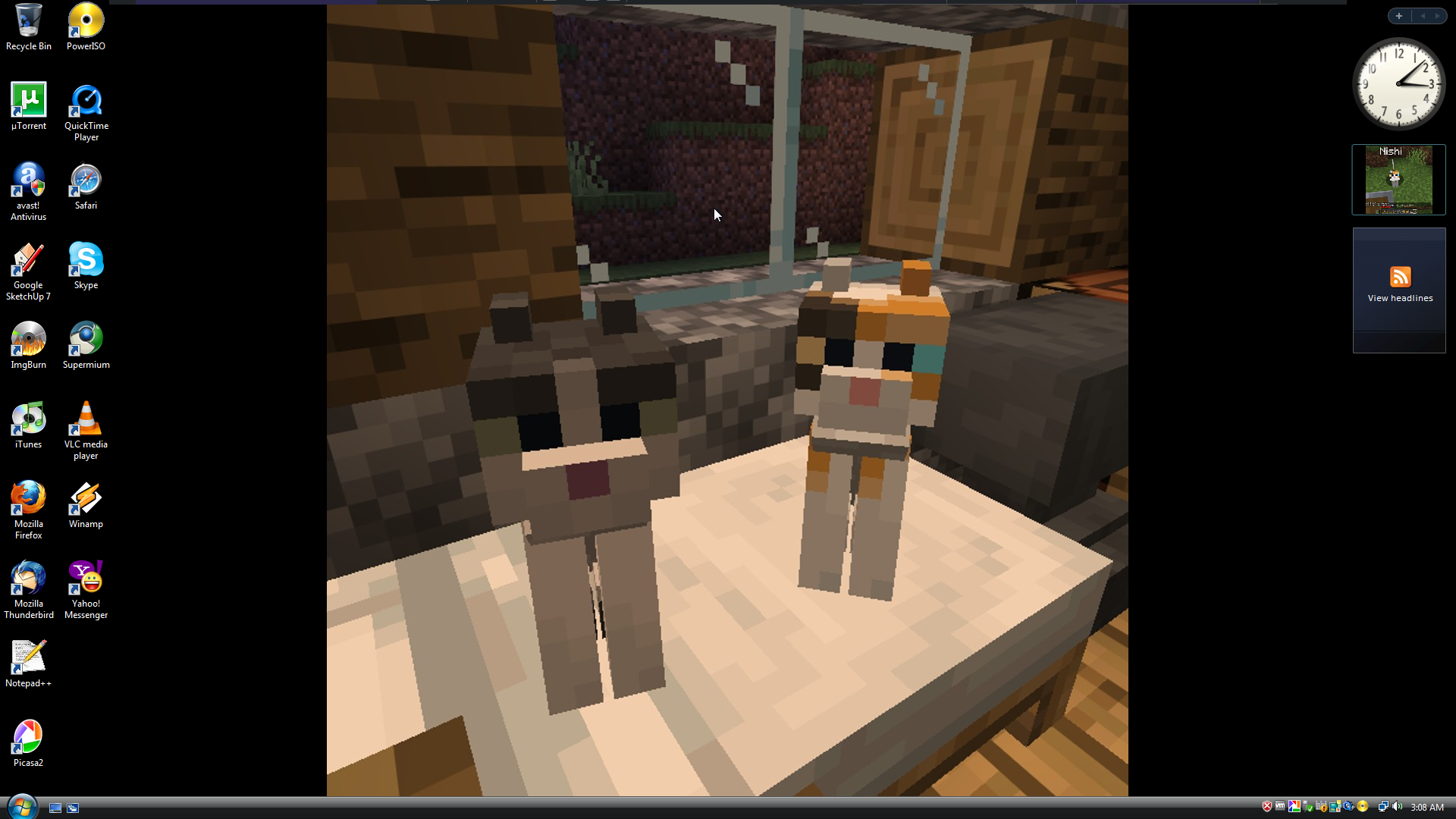
Ditto, background applied
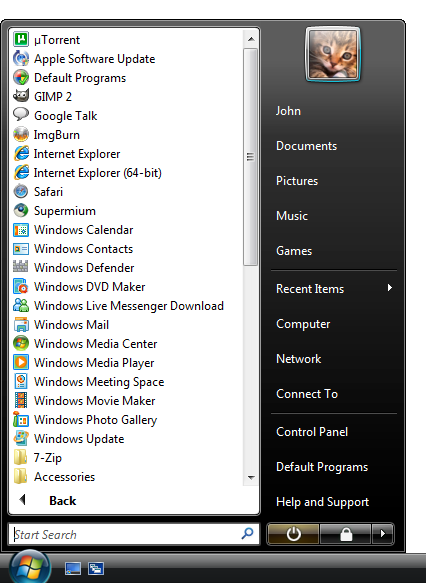
Start menu (All programs)
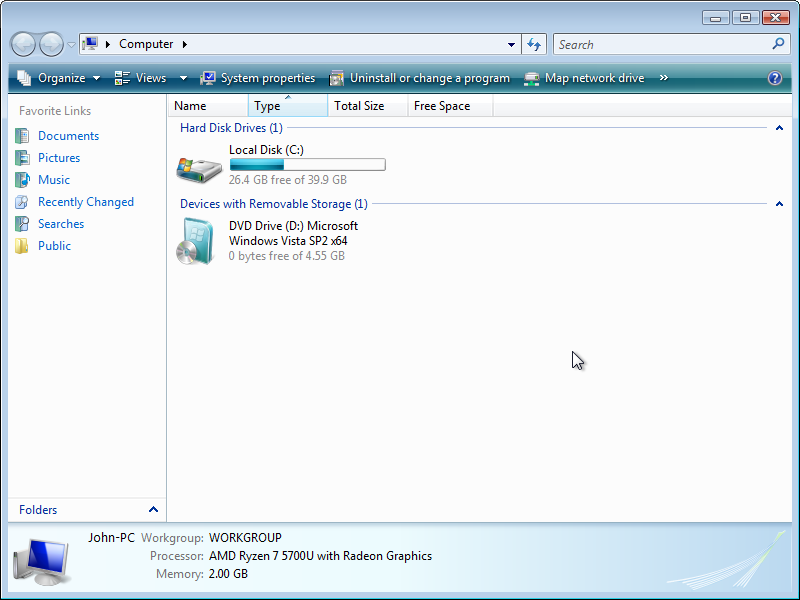
Windows Explorer
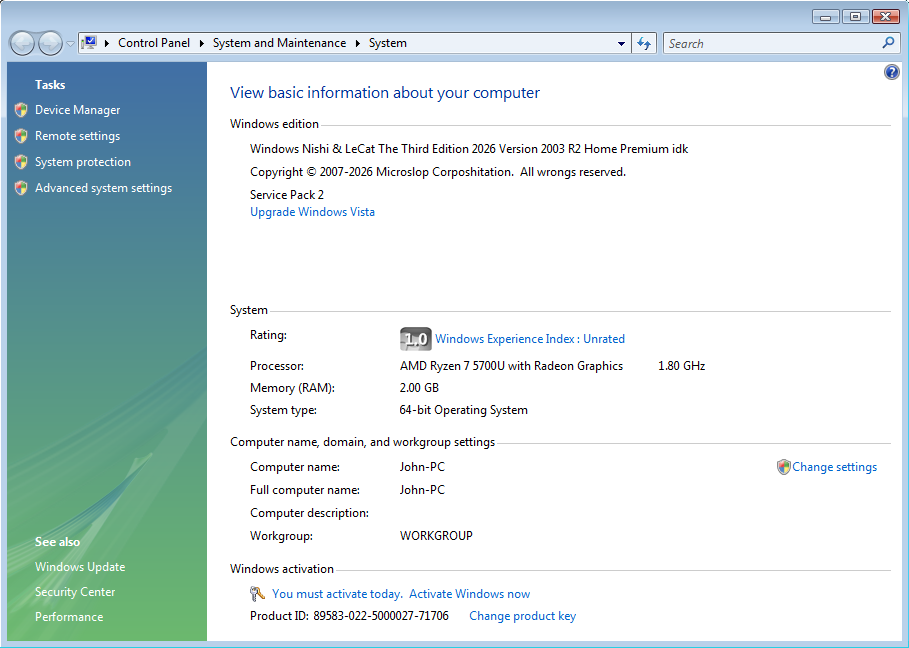
System Properties
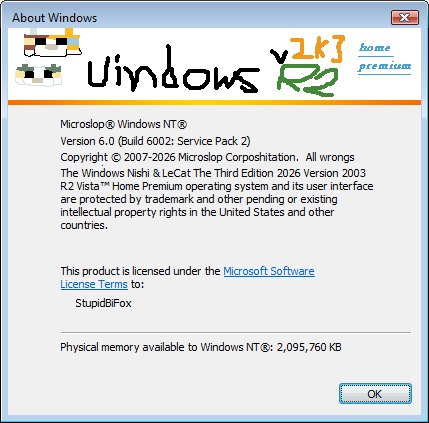
About Windows
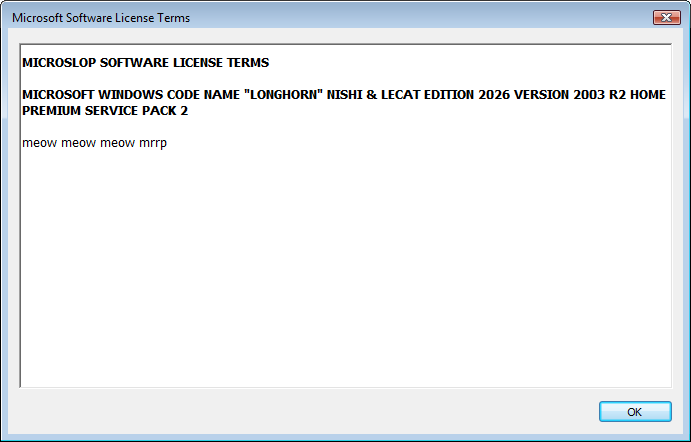
Microsoft Software License Terms
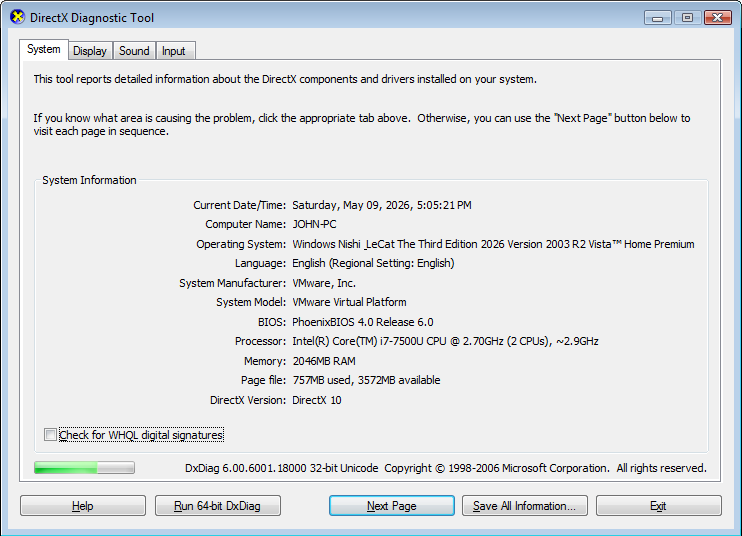
DirectX Diagnostic Tool
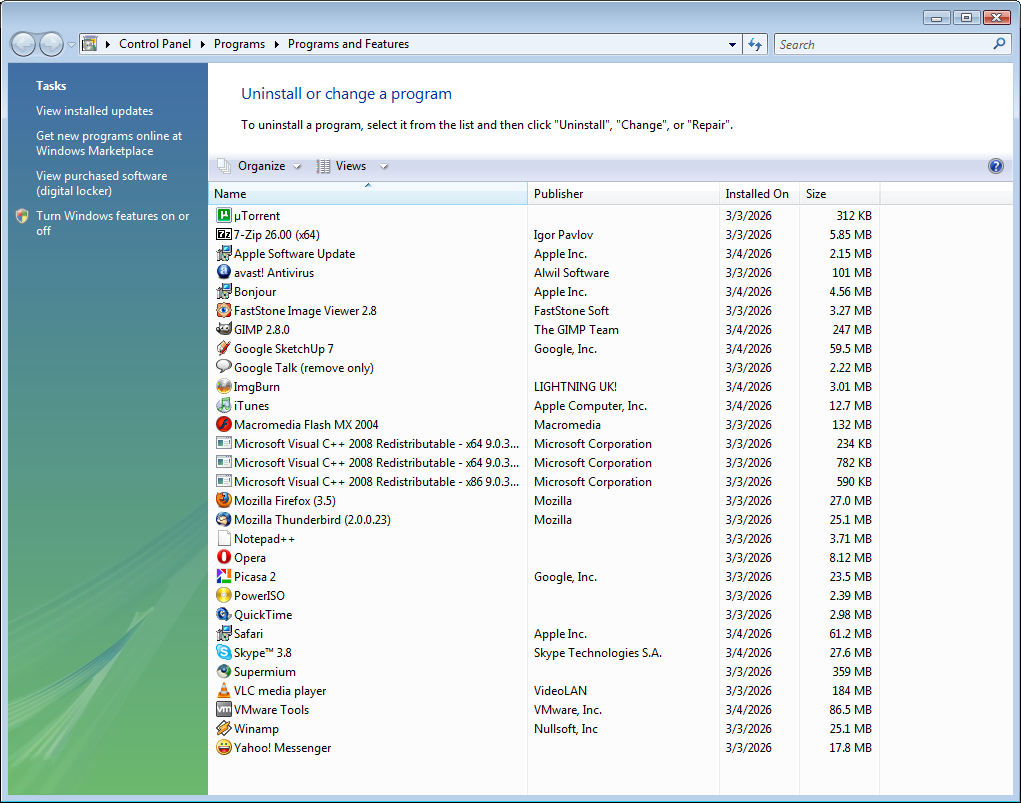
Programs and Features
Sample Pictures/Desktop Backgrounds
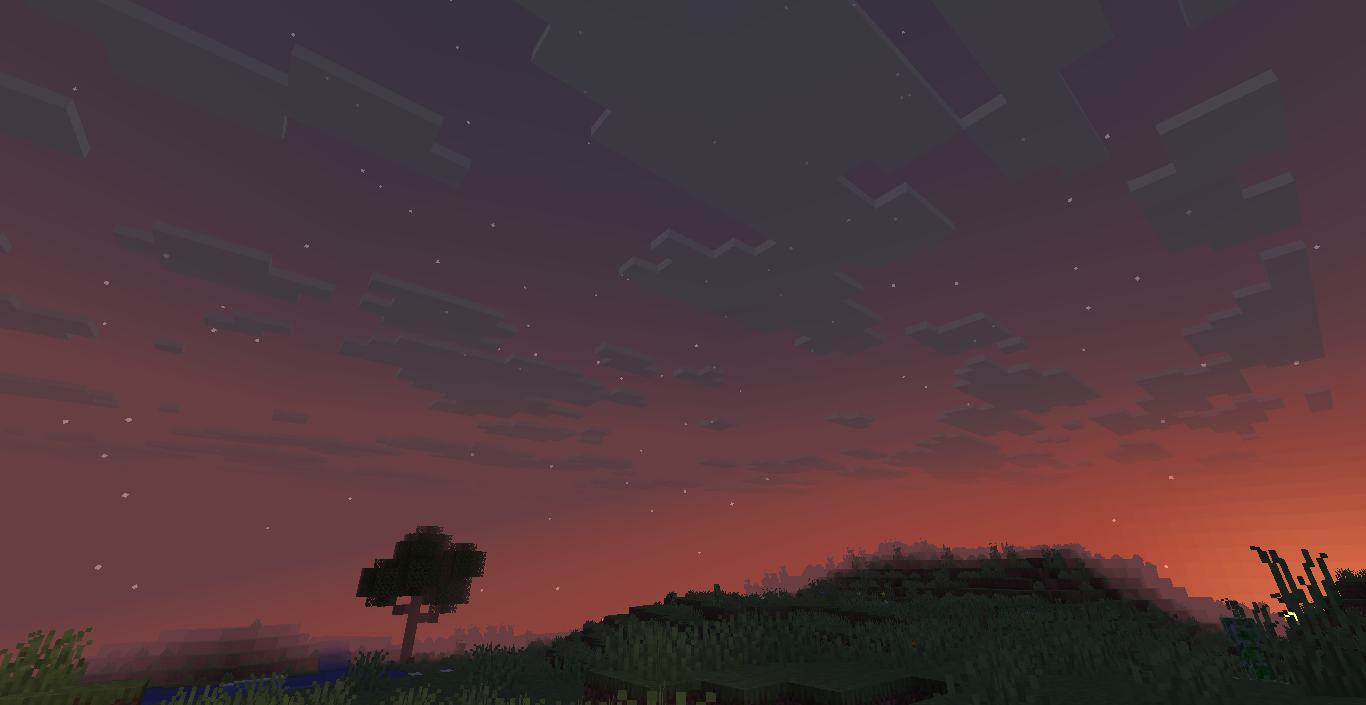
A landscape originating from the KitsuMC Minecraft server.
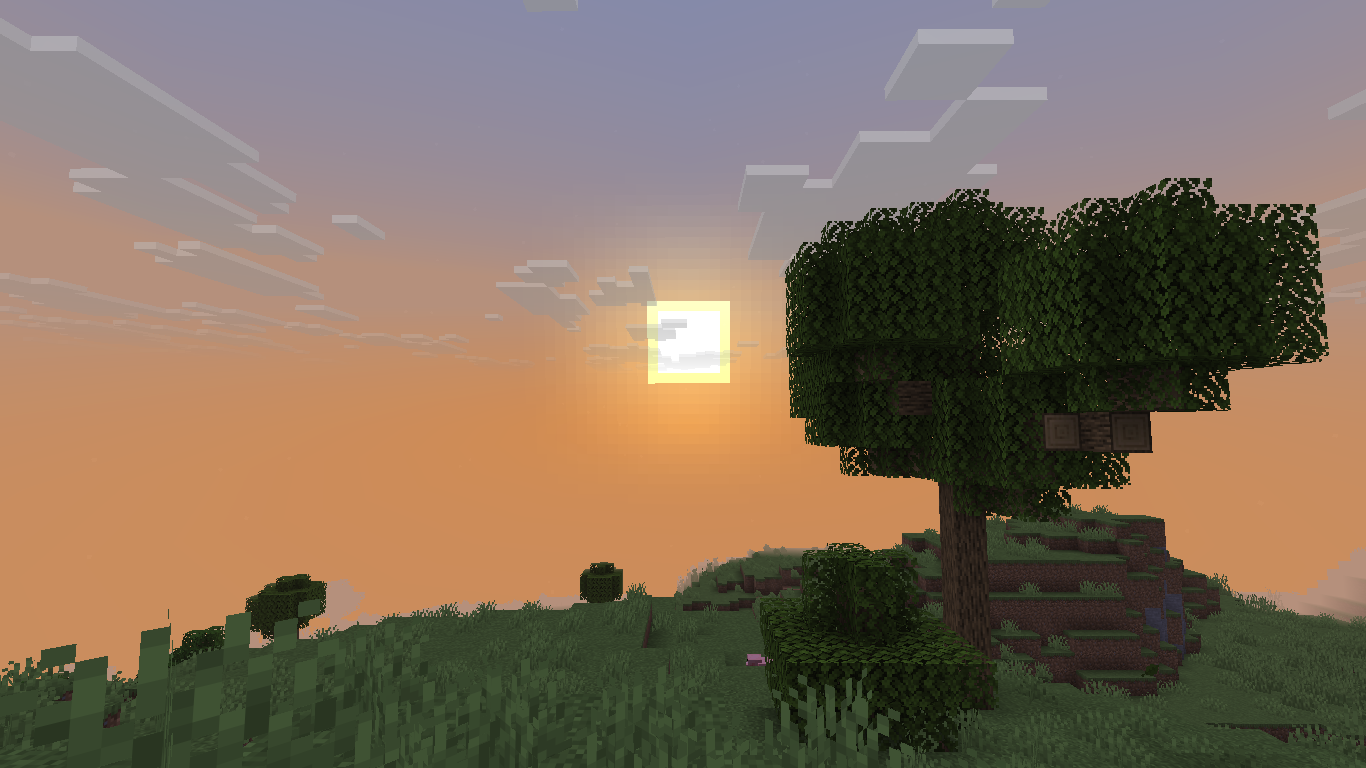
Ditto, sunset.
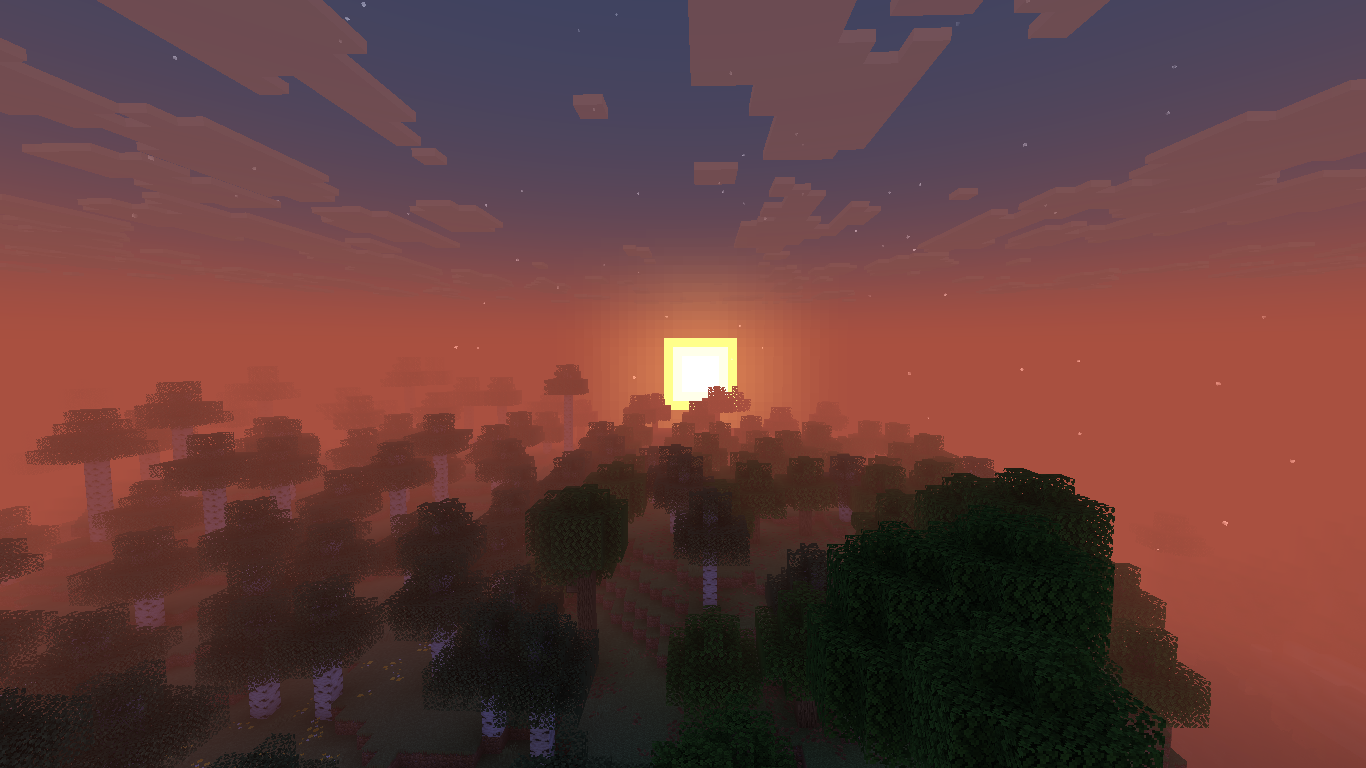
Ditto.
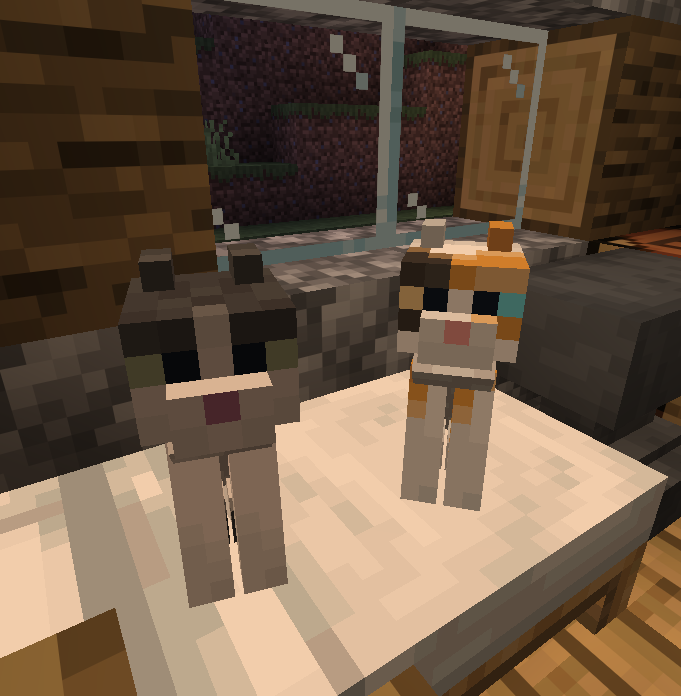
LeCat (left) and Nishi (right) sitting on a bed.
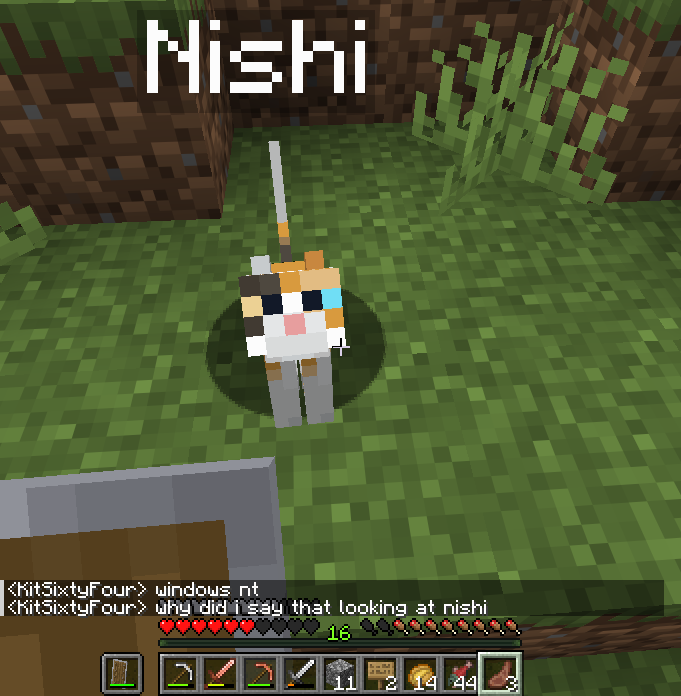
A solo picture of Nishi.
See also
Notes
-
Alternatively known as Microsoft Windows Code Name “Longhorn” Nishi & LeCat Edition 2026 Version 2003 R2 Home Premium in the End User License agreement, Windows Nishi & LeCat The Third Edition 2026 Version 2003 R2 Home Premium in other miscellaneous media, and Windows Vista Nishi & LeCat Edition 2026 in pre-release builds. ↩
-
me when im trying to upload windows nishi & lecat edition to archive.org but it keeps getting stuck at random file sizes, it completed AND IT FUCKING SAID THERE WAS A NETWORK PROBLEM ISTG- – AstroNTWorkstation Community Posts (2026-05-08). ↩
SpringViewer Codename "Trifrost" 3.0.5200.kuro_sl1
Debug Axeon Akane Code Name "Cairo" Release Candidate Version 7.0 (Build 5200.rc1chk.kuro_sl1.260914-2102)